



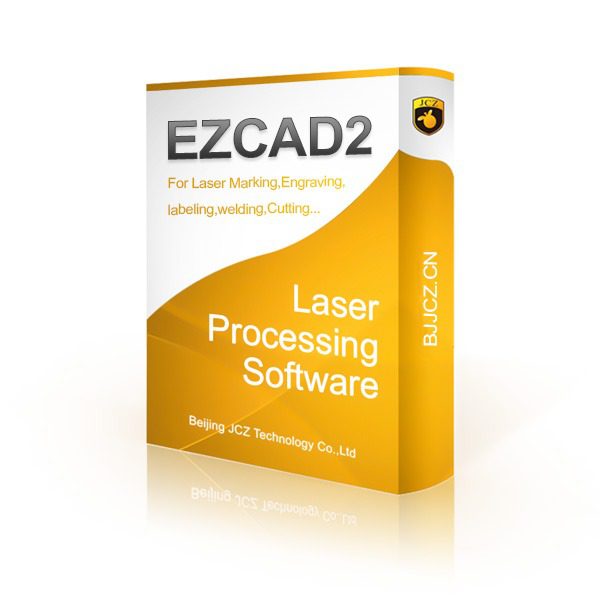
Fiber Marking Machine Software – EZCAD 2
Software EZCAD 2 (Version 2.14.11) is a laser control software used to manage and adjust fiber, CO2, and UV laser engraving and cutting machines. This software is especially widely used in laser marking machines and allows the user to perform various operations such as engraving text, barcodes, QR codes, logos, and graphic designs on various surfaces.
Related products



Free
Description
📅 Content updated on: 18/07/1403
Fiber marking machine software download guide:
- First, register on the site and log in.
- Click the Add to Cart button.
- Go to the shopping cart and click the checkout button.
- You see the download link.
- You can download the files you need at any time by visiting your account.
Key features of EZCAD 2:
- Support for different devices: EZCAD 2 supports a variety of fiber, CO2, and UV laser devices.
- Ease of use: The software, with its simple user interface and advanced features, is suitable even for novice users.
- Compatibility with different files: This software supports various graphic formats such as DXF, PLT, BMP, AI and other formats.
- Layers support: It is possible to manage and edit multiple layers simultaneously to create complex designs.
- Ability to control motion axes: This software has the ability to control the X, Y, and Z axes and can execute designs accurately.
Differences between version 2.14.11 and previous versions:
- Improved performance and stability: Newer versions are usually more stable and bugs in older versions have been fixed.
- Support for new devices: Each version of EZCAD is compatible with a larger number of laser device models.
- Improvements in the user interface: Improvements have been made to the appearance and usability of the software to make it easier for users to use various tools.
- Increased engraving accuracyNewer versions have improved engraving accuracy and quality, and new features have been added for better laser tuning.
- Adding new tools and features: Version 2.14.11 may include new tools and capabilities for more complex engraving and greater efficiency in laser operations.
This software is very popular due to its use in the laser engraving and cutting industry, and different versions of the software are available. Fiber marking machine It has been improved due to support for newer hardware and features.
Additional information
| Zip file password | mobin.xyz |
|---|---|
| File type | rar |
| File size | 32MB |
Reviews (0)

Get price list
Related products
Free
